Example
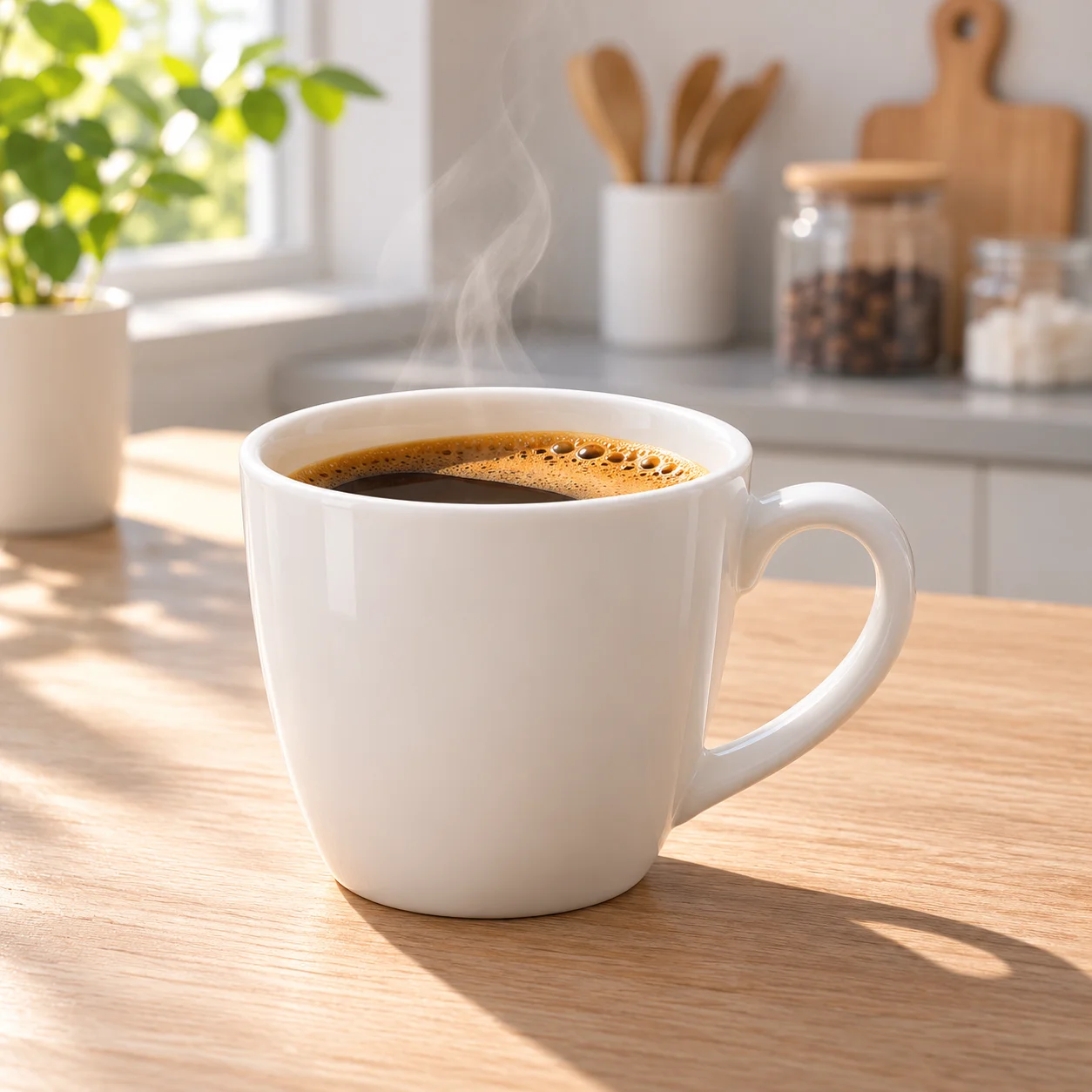
Product shot
flareText to image
A white ceramic coffee mug on a light oak table, soft morning side light, blurred kitchen behind, clean product photo, square composition
Use this promptOpenAI · Image model
Two models, one price. Flare is quick, Sunburst is detailed. Type a prompt or add a reference image.
Pick a model
Opens the generator with this model selected. Failed images are refunded.
OpenAI released GPT Image 2.6 on November 4, 2026. OpenAI changelog
Each image comes with its prompt. Click “Use this prompt” to try it in the generator.
A white ceramic coffee mug on a light oak table, soft morning side light, blurred kitchen behind, clean product photo, square composition
Use this prompt
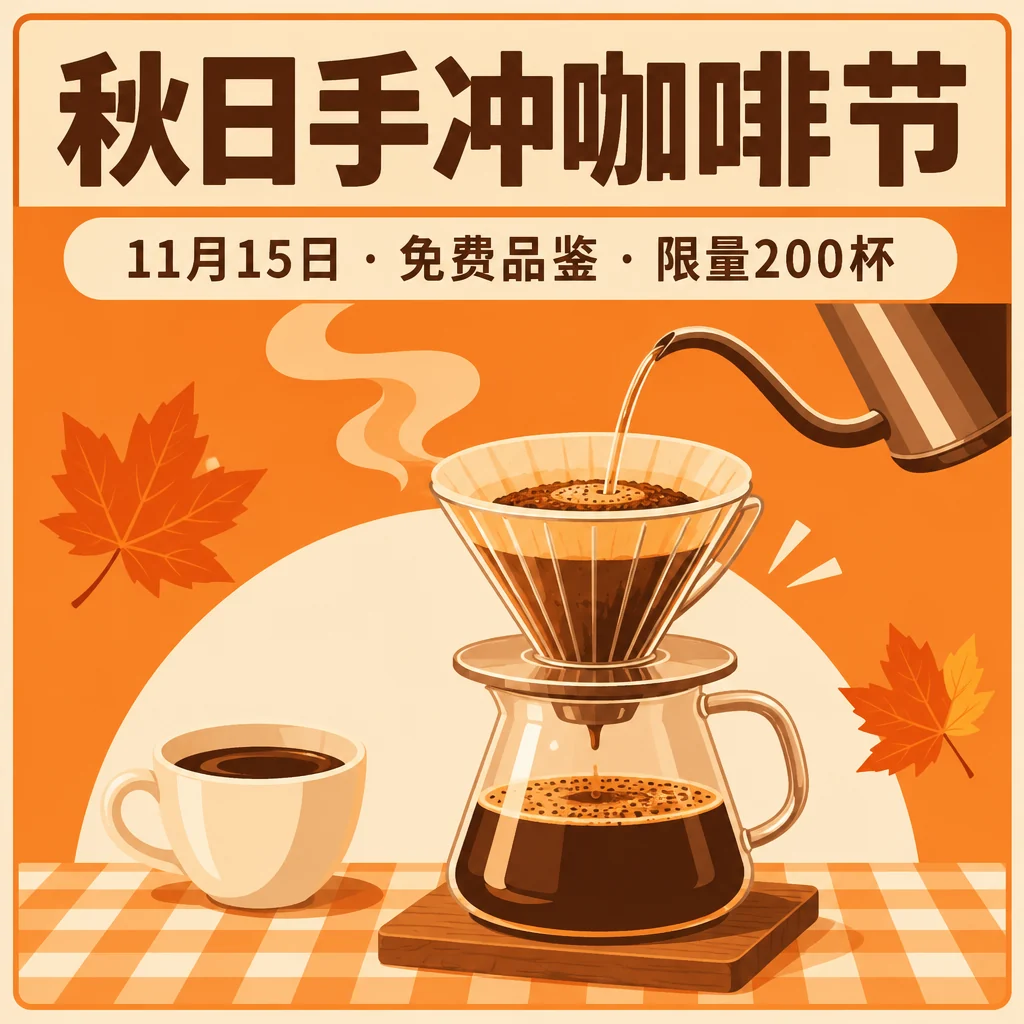
Autumn coffee launch poster, warm orange palette, large headline “Autumn Latte” in the center, small line “November only” below, clean layout, portrait 3:4
Use this prompt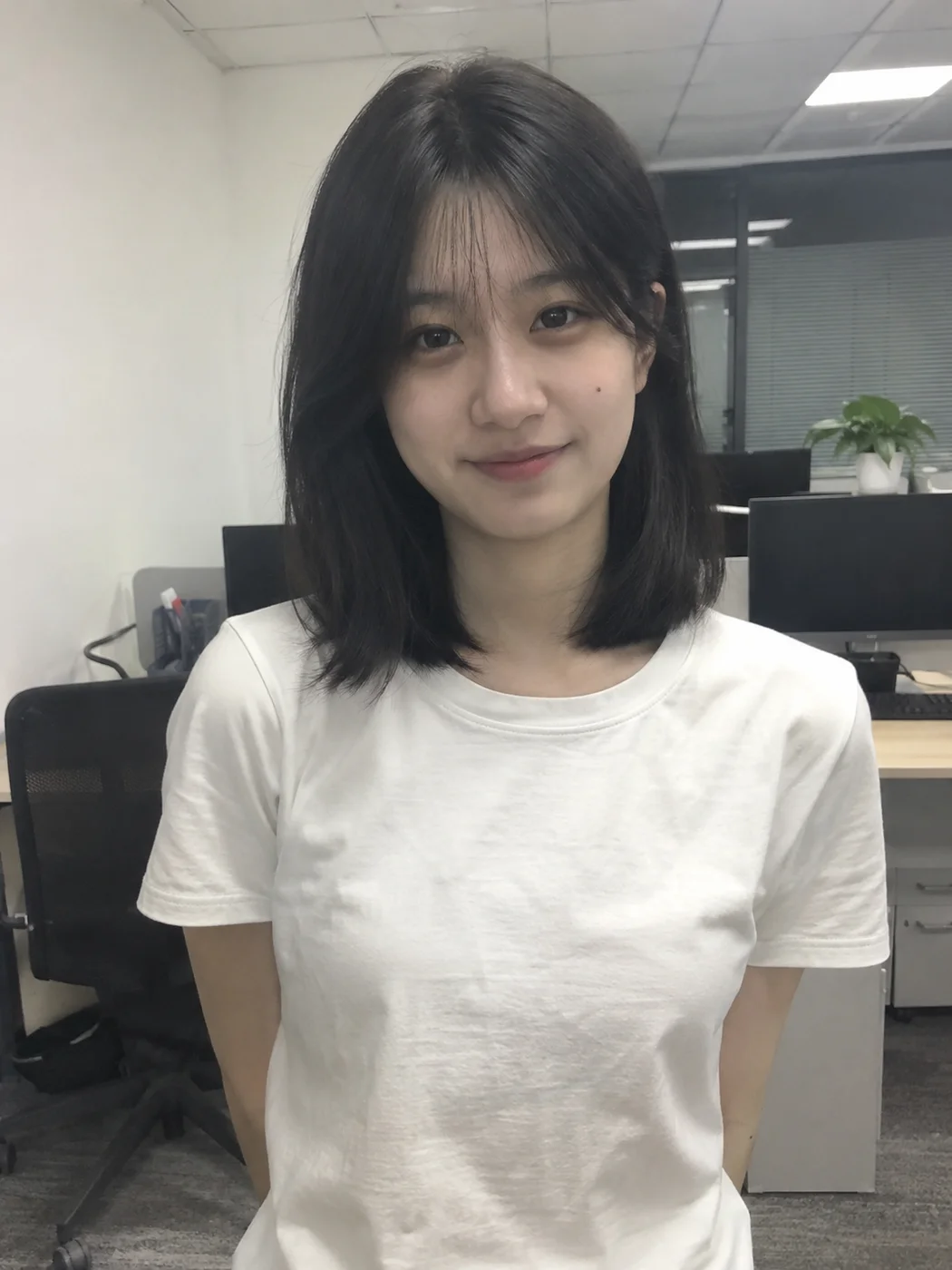
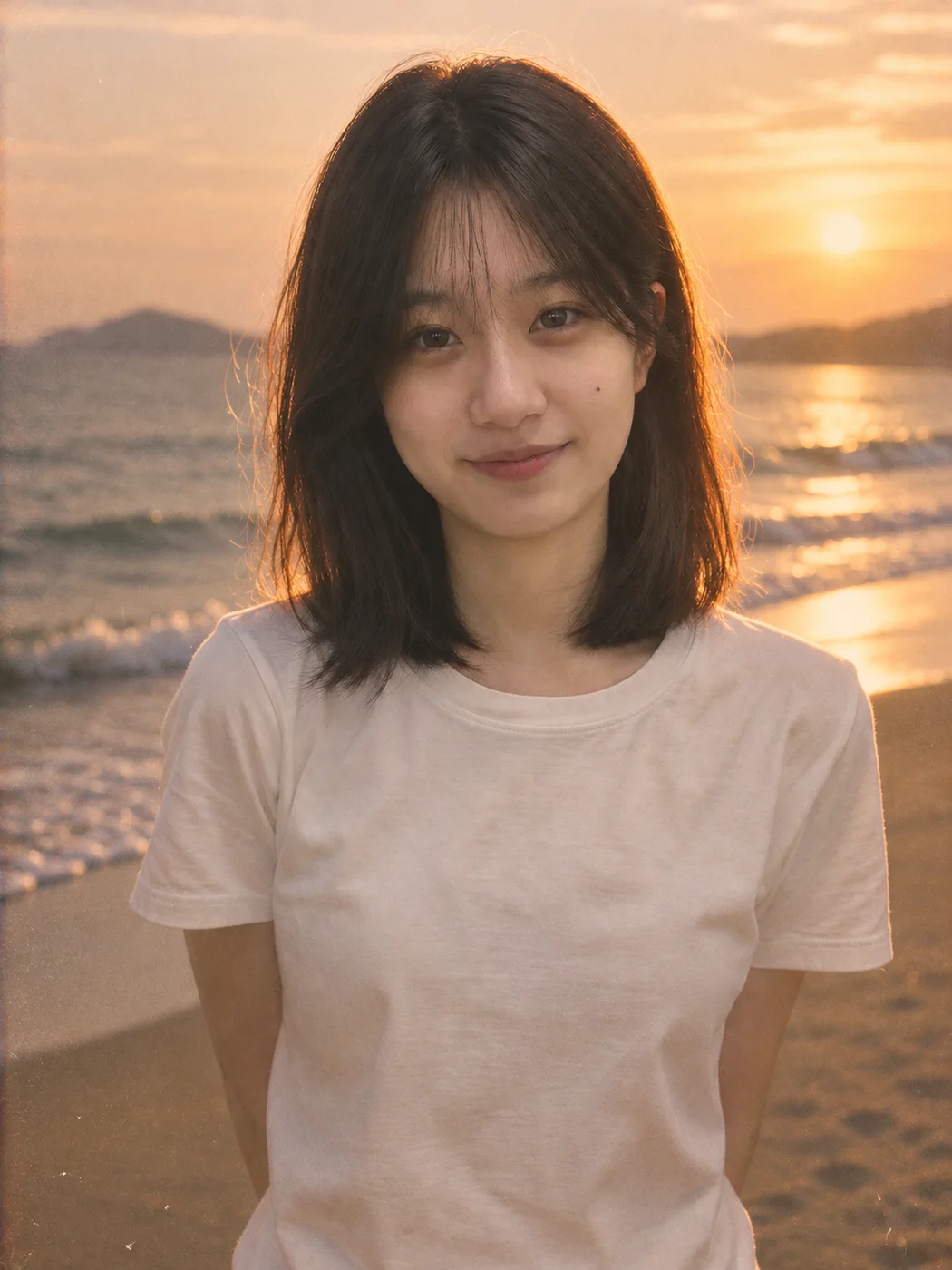
Keep the person’s face and hair exactly the same, move them to a beach at sunset, warm backlight, film look
Use this prompt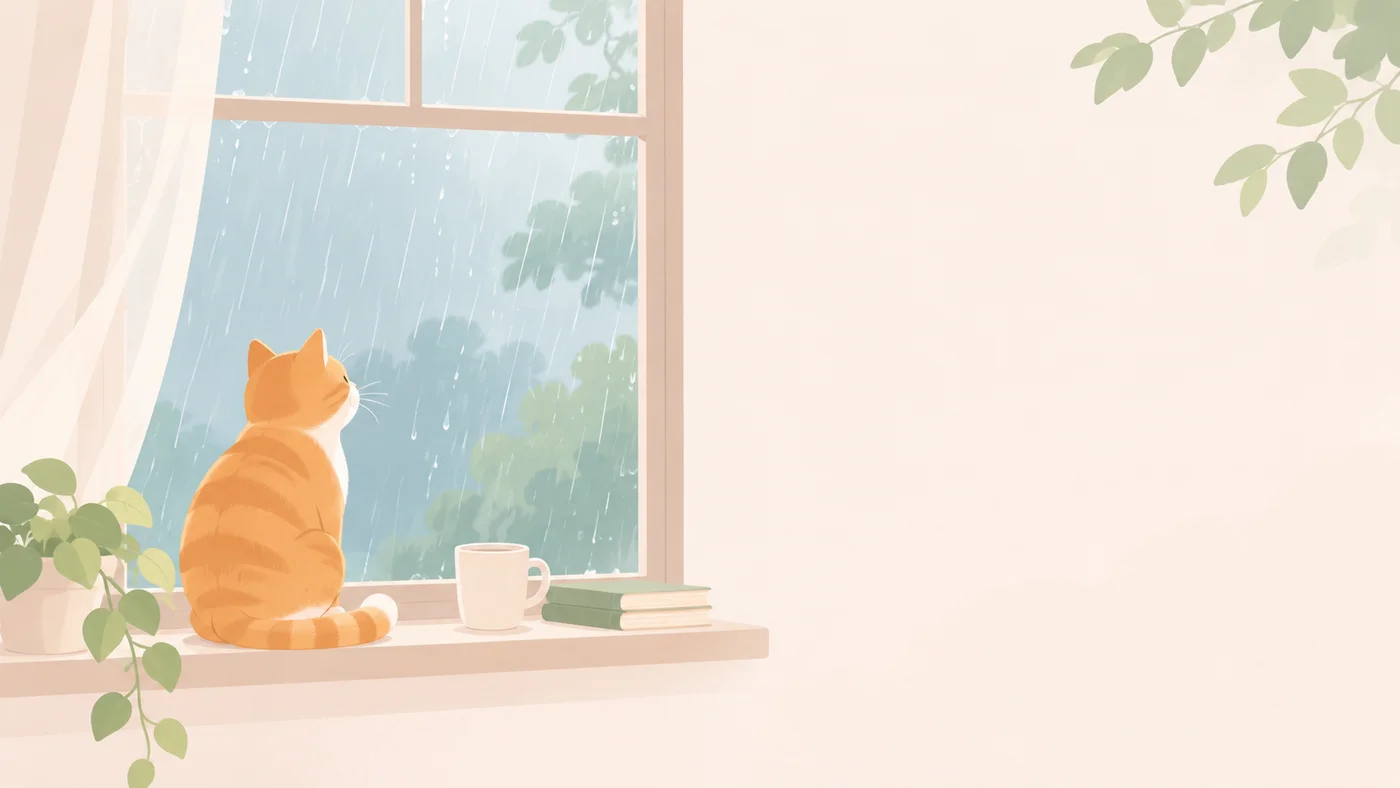
An orange cat on a windowsill watching the rain, flat illustration, soft colors, plenty of empty space, 16:9 header image
Use this prompt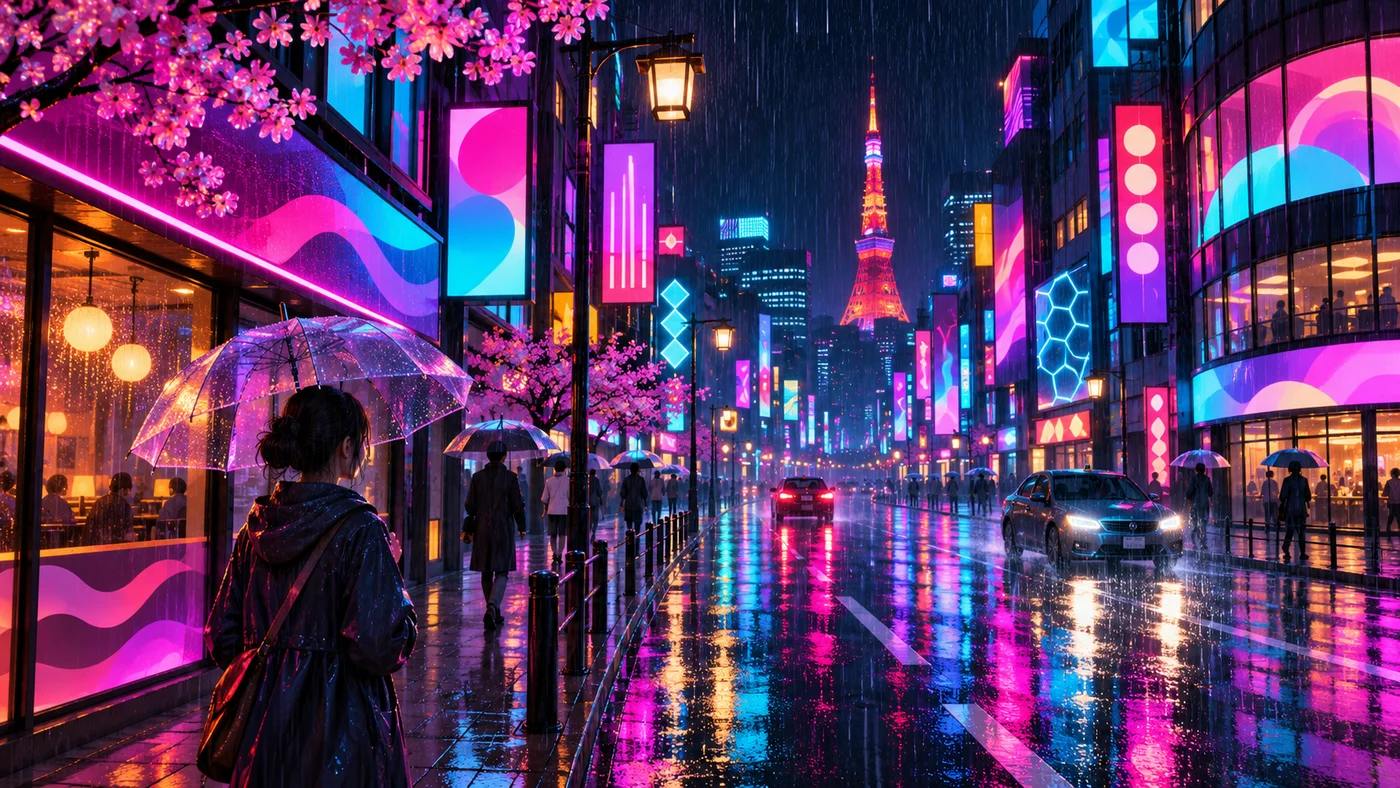
A rainy night street in Tokyo, neon lights reflected on the wet road, cinematic, 16:9
Use this prompt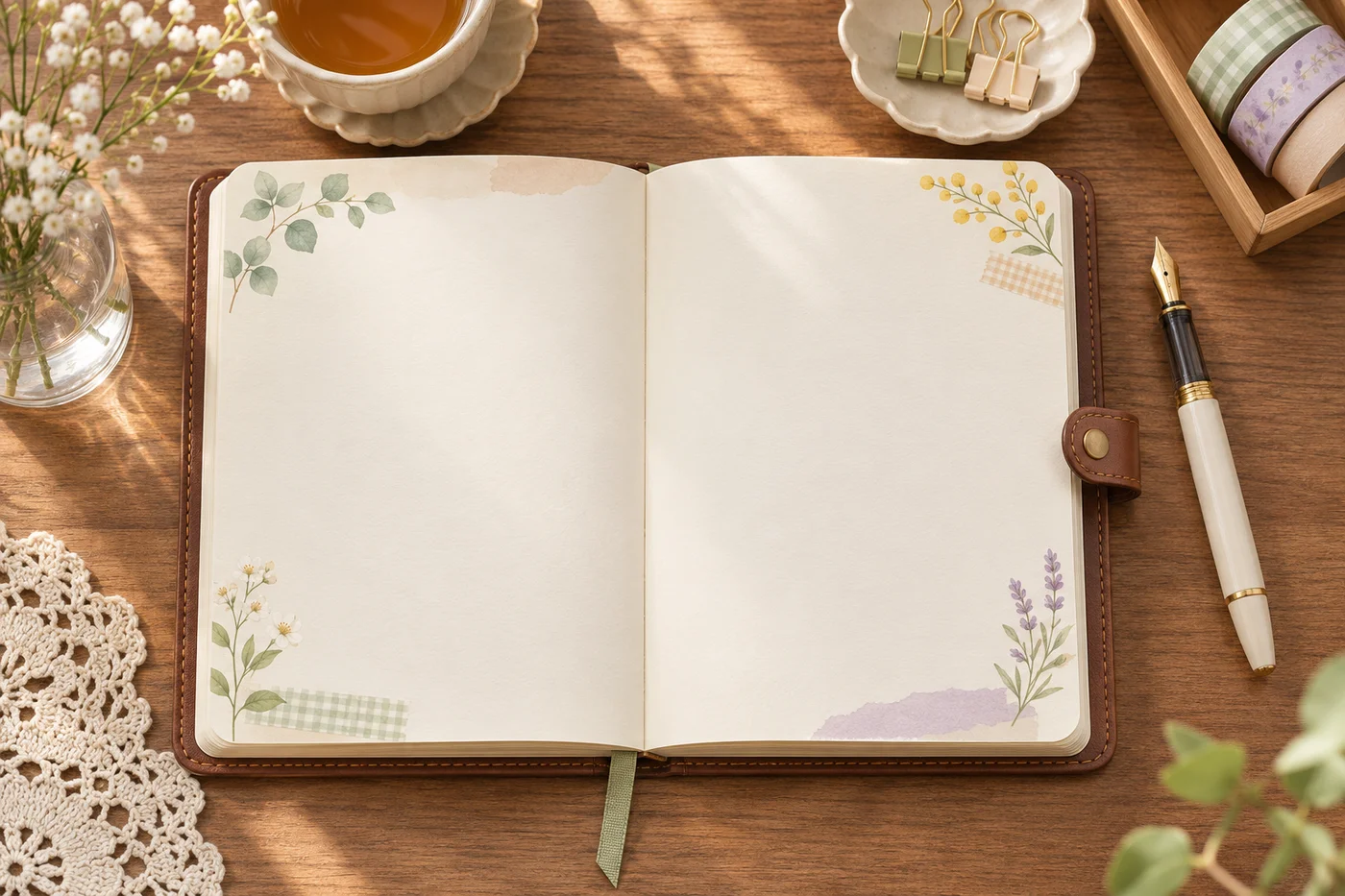
A planner and fountain pen on a wooden desk, top-down view, soft natural light, empty space left for writing
Use this prompt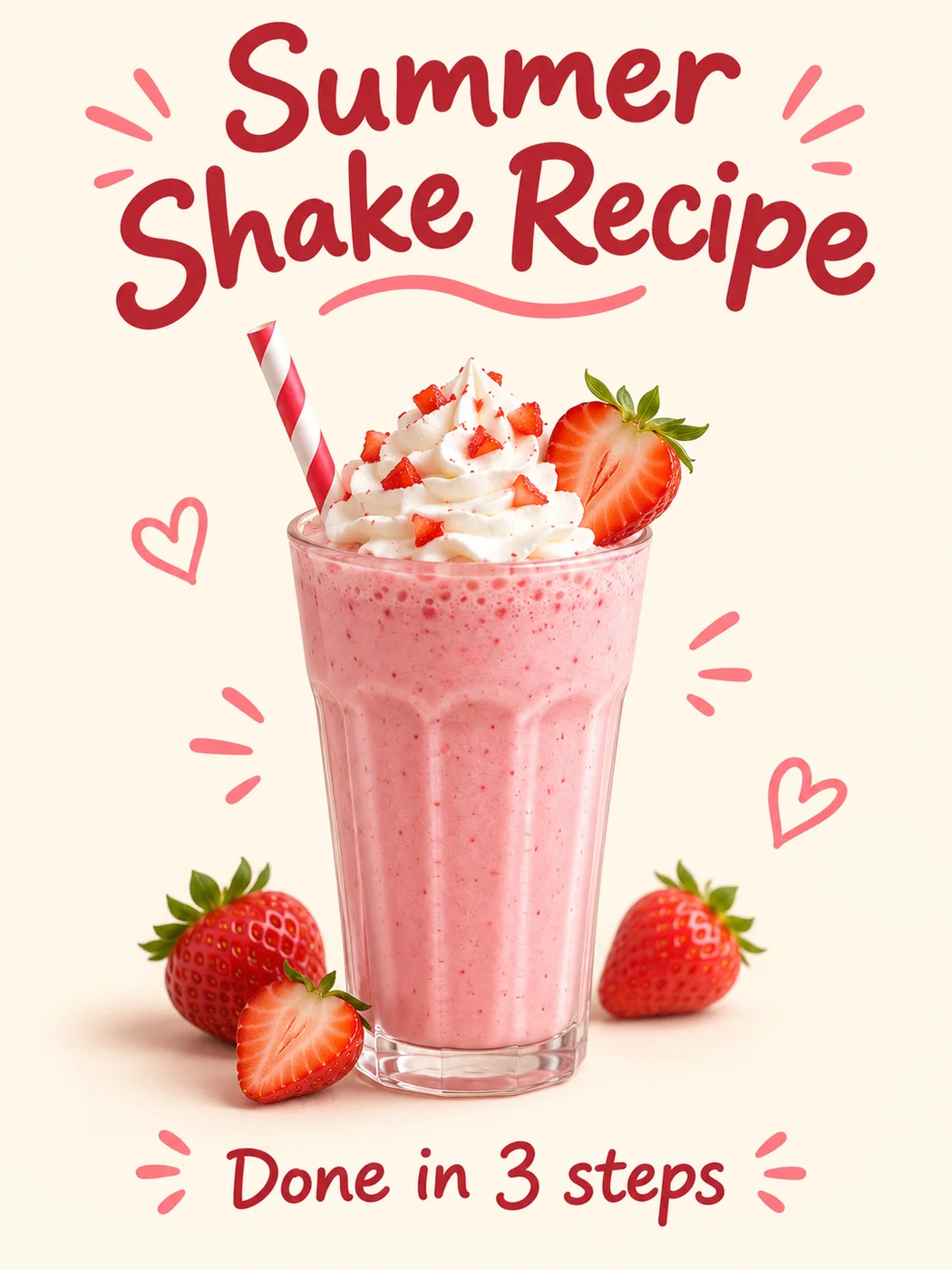
A social media cover: cream background, a strawberry milkshake in the center, big headline “Summer Shake Recipe” on top, small line “Done in 3 steps” below, cute handwritten font, portrait 3:4
Use this prompt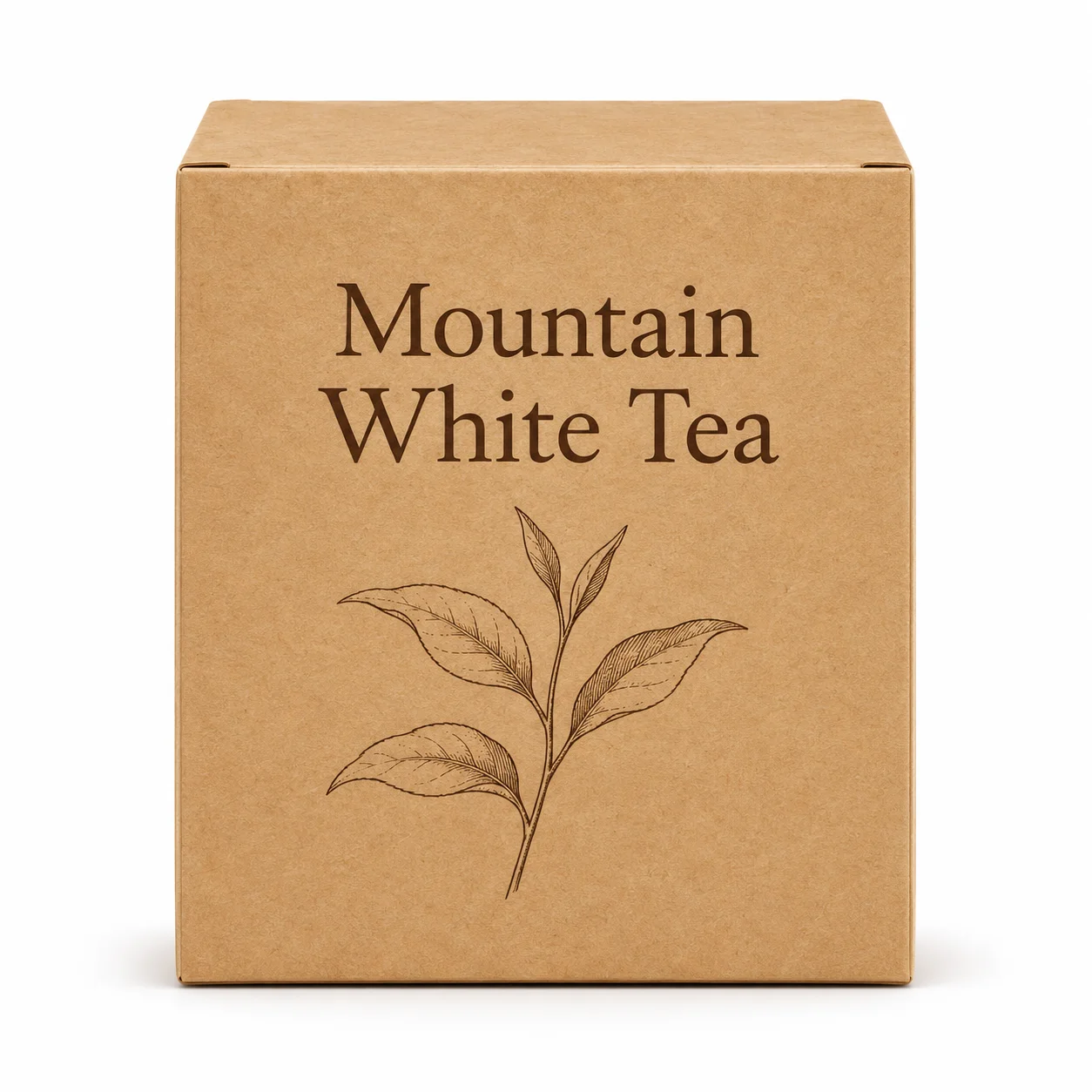
Front view mockup of a kraft paper tea box printed with “Mountain White Tea” and a line drawing of a tea sprig, minimal style, white background, square
Use this prompt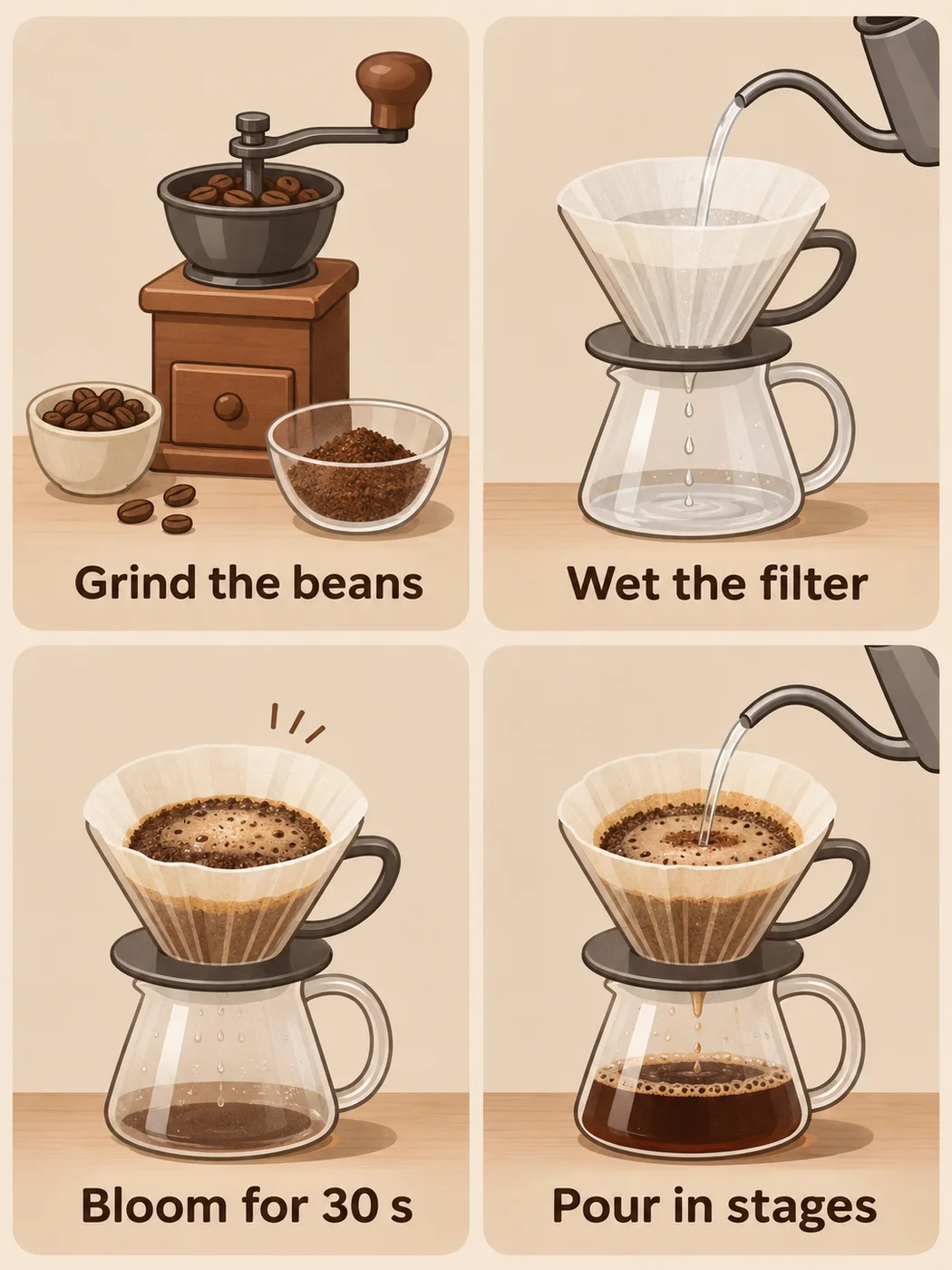
A four-step pour-over coffee infographic in four panels, each with a simple illustration and one line: “Grind the beans”, “Wet the filter”, “Bloom for 30 s”, “Pour in stages”, beige background, portrait 3:4
Use this prompt
A rounded 3D cartoon rocket icon, candy colors, soft lighting, light blue background, square
Use this prompt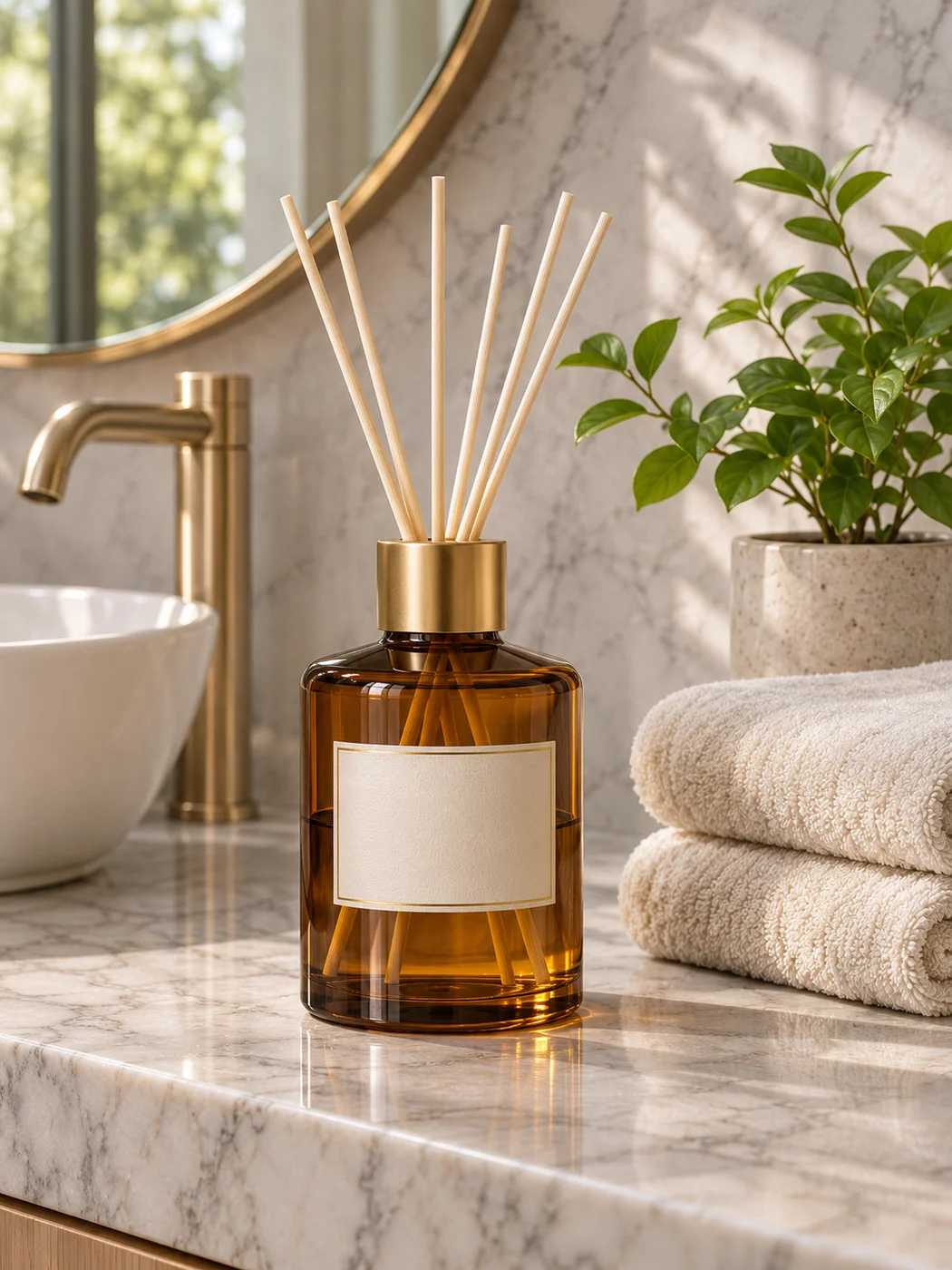
An amber glass reed diffuser on a marble bathroom counter, with folded towels and a small potted plant beside it, soft natural light, upscale look, portrait 3:4
Use this prompt
A chibi avatar of a short-haired girl in round glasses, big head and small body, pink background, sticker style, square
Use this promptThese come from OpenAI’s GPT Image 2.6 announcement. Click the source under each to see the original.

A paper-cut football celebration; the banner text stays clean.
Source: OpenAI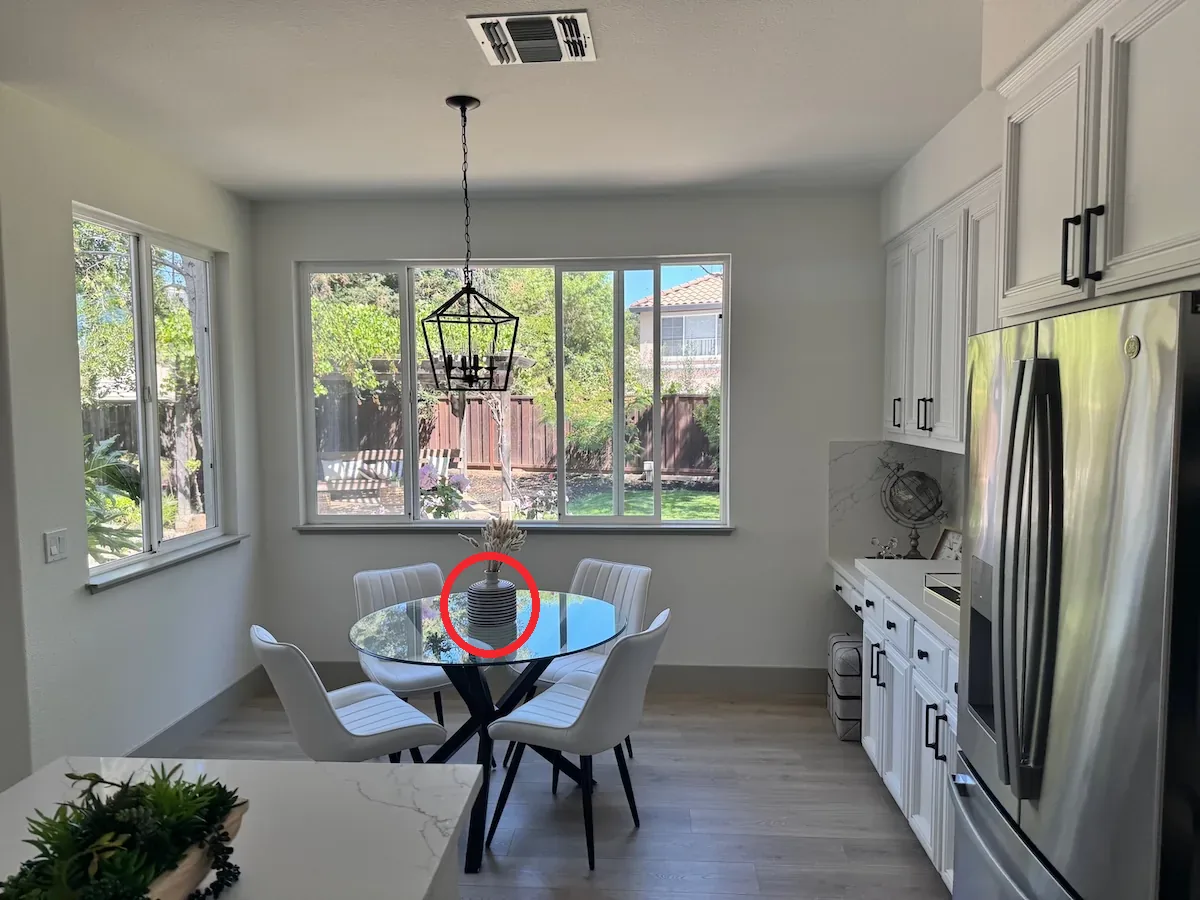
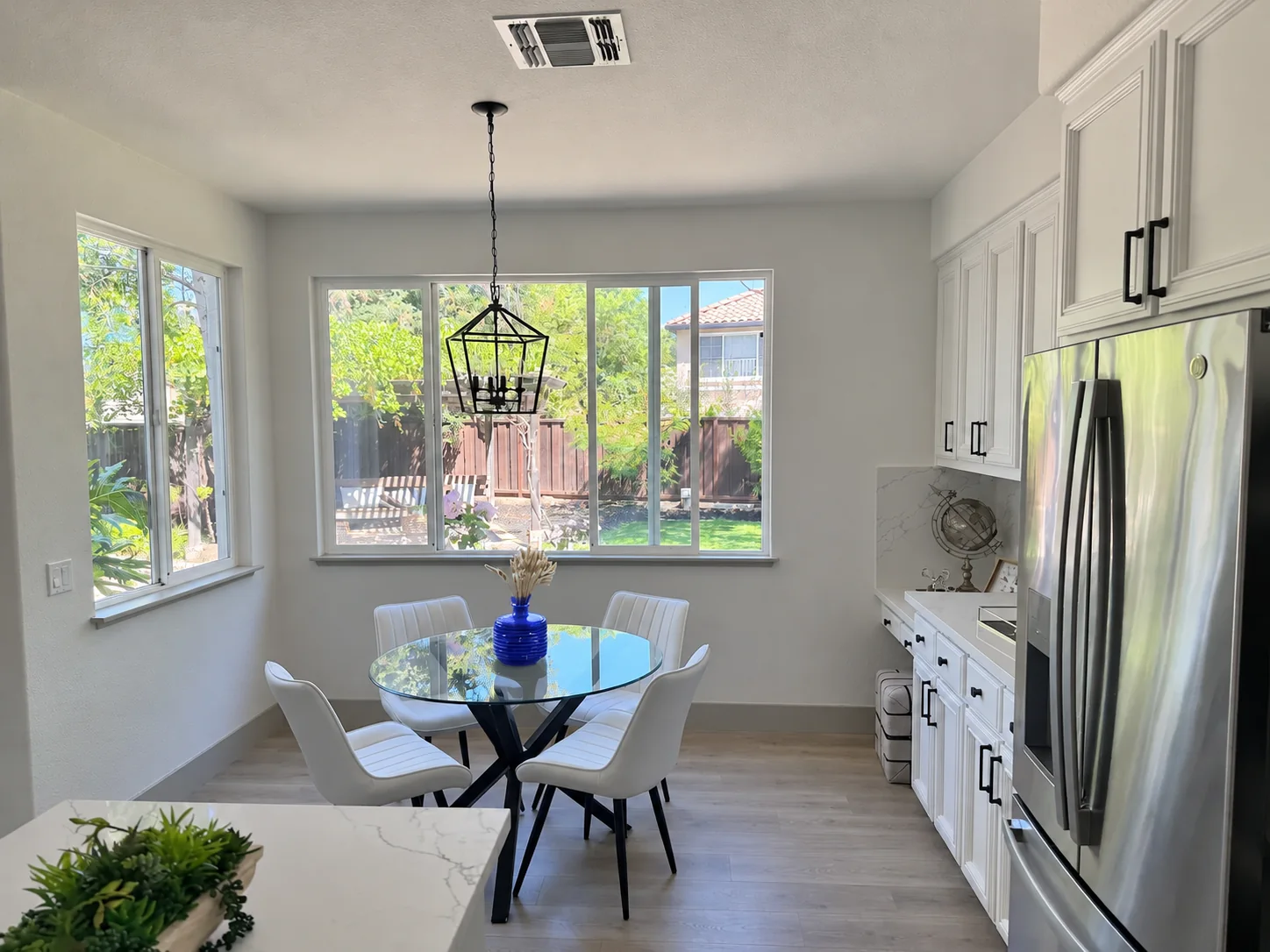
Circle the vase in the photo and only that changes color; the rest stays.
Source: OpenAI
A monkey raising a lantern, 9 frames, about 1.8 seconds per loop.
Source: OpenAIFlare is quick, for fast drafts and layouts. Sunburst is detailed, for multi-round edits. Both cost the same.
Both models take a reference image and edit it from your description.
Describe a scene and get a looping GIF of about 2 seconds.
Make a GIF →Describe a logo or icon and download an SVG that scales to any size.
Make an SVG →Model traits come from OpenAI’s model pages. Credits shown in the generator are final. OpenAI model page
| Item | Flare | Sunburst |
|---|---|---|
| Strength | Fast | Fine detail |
| Best for | Quick drafts, layouts | Multi-round edits |
| Reference edits | Yes | Yes |
| Credits per image | From 5 | From 5, same |
Not sure? Try a few versions with Flare, then switch to Sunburst to refine. Same price, so feel free to try both.
Flare is quick, Sunburst is detailed. A prompt alone is text to image. To edit your own picture, choose image to image and upload it.
Describe the subject, scene and style. Put any text that should appear in the image in quotes.
Download the result, or tweak the prompt and run it again.
Pay per image with credits, no subscription, and both models cost the same. Standard is 5 credits, Fine 9. Failed images are refunded automatically.
See credit packsOpenAI released it on November 4, 2026. This site uses it through a third-party API and is not affiliated with OpenAI.
Flare is quick, for fast drafts and layouts. Sunburst is detailed, for multi-round edits. They cost the same and both take reference images.
If you are unsure, try a few versions with Flare, then switch to Sunburst to refine.
Credits are charged per image and depend on the quality you pick: Standard 5, Fine 9. Both models cost the same, and the page shows the price before you generate.
Yes. Choose image to image, upload your picture and describe the change. Both models support it.
The credits go back to your account automatically.
You can switch models on the same generator page. Run one prompt on each and compare. The credits for each model are shown before you generate.
Yes, each has its own page: the AI GIF Generator and the AI SVG Generator. A single sentence is enough.
Make a GIFThe quality and size options in the generator are what this site offers right now. Credits follow the option you pick.
Yes, for your own projects. Follow OpenAI’s usage policies and don’t create content that infringes on others’ likeness, trademarks or copyrights.