Example
Blinking orange cat
The orange cat slowly blinks and gently swishes its tail. Keep the same cat, colors, sofa and cushions. No camera movement. End close to the first frame.
512 px · 9 frames · Medium · 9 credits
Longer frames make the loop longer, not smoother. Add frames for smoother motion.
Same as photo picks the closest of these to your picture.
Sign up with Gmail or Outlook and your first GIF at the default settings is free.
No Images Generated
Upload a photo of a pet, a product or a character and write one line about how it should move. AI makes a short looping GIF from your picture, ready to send anywhere.
Each one was made on this page. Click "Use this prompt" to put it in the box above, then upload your own photo.
The orange cat slowly blinks and gently swishes its tail. Keep the same cat, colors, sofa and cushions. No camera movement. End close to the first frame.
512 px · 9 frames · Medium · 9 credits
The corgi wiggles its ears and blinks slowly. Keep the same dog, rug and room. No camera movement. End close to the first frame.
512 px · 9 frames · Medium · 9 credits
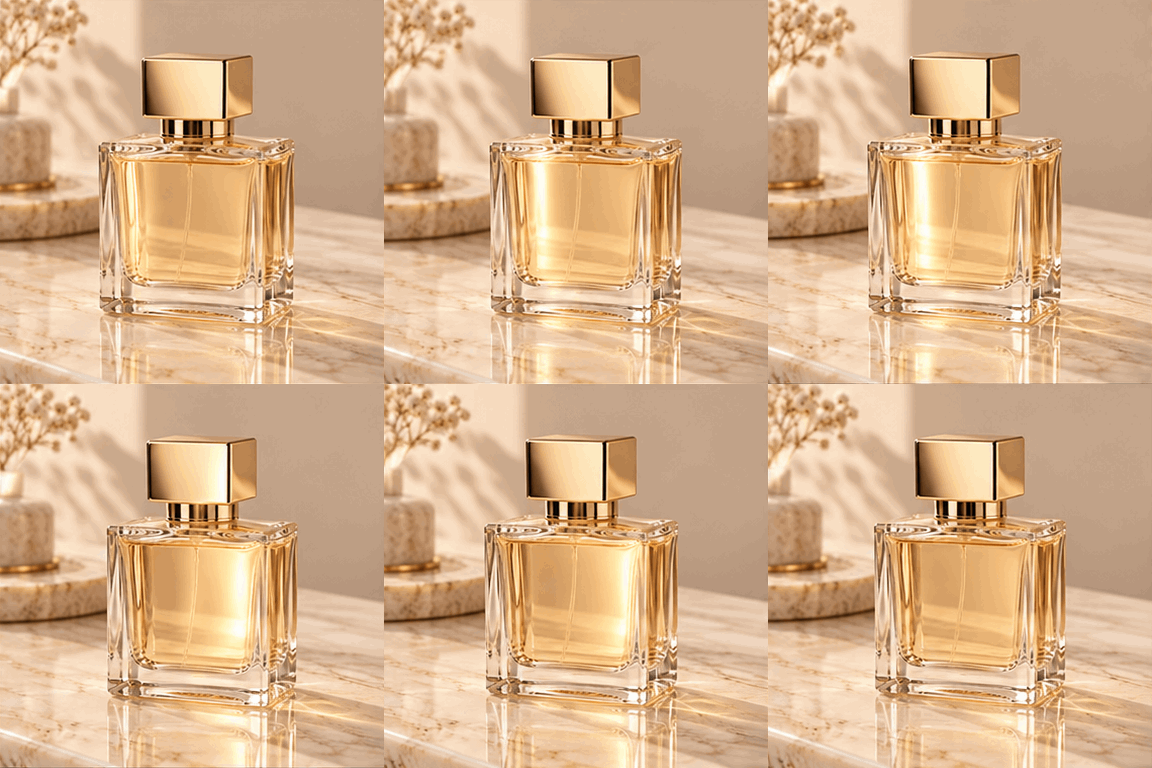
A soft highlight slowly sweeps across the glass bottle from left to right. Keep the same bottle, label and background. No camera movement. End close to the first frame.
384 px · 9 frames · Low · 4 credits
The orange cat slowly blinks and gently swishes its tail. Keep the same cat, colors, sofa and cushions. No camera movement. End close to the first frame.
512 px · 16 frames · Medium · 11 credits
16 frames for smoother motion.
One clear subject works best: a pet, a product or a character.
Keep it small and loopable: blinking, waving, steam rising, a box opening.
It loops forever. Send it in a chat or post it.
a dog tilting its head, a cat yawning.
a bottle turning, a lid popping open, steam rising from a cup.
a mascot or avatar waving hello.
a small sparkle or bounce on a logo.
Describe one small motion, not a whole story.
Name what moves: "only the tail moves" or "only the steam rises."
Ask it to end where it started: "return to the first pose." The loop looks smoother.
| Length | you set how long each frame shows (0.02 to 2 seconds) and how many frames; loops forever |
|---|---|
| Frames | 2 to 16 |
| Shape | same as your photo, or pick from 10 ratios |
| Size | 256, 384, 512 or 768 px per frame |
| Quality | Low, Medium, High, Extra high or Max |
| How many | 1 to 4 GIFs per run, pick the one you like |
| Format | .gif, downloads straight to your device |
| Cost | 4 credits at the default settings; the button shows the exact amount for what you pick |
Have a picture? Start here. Only have an idea? Use the AI GIF Generator and describe the whole scene in words.
It animates one photo. You upload a single picture and AI adds the motion you describe. To join several pictures into a slideshow, use a regular GIF maker.
Your first one is. New accounts get 4 free credits, enough for one GIF at the default settings. Free credits go to sign-ups with Gmail, Outlook, Hotmail, QQ, 163, 126, 139, Sina or Yeah.net. Any other email can still sign up and buy credits.
4 credits at the default settings. A bigger size, higher quality, more frames or extra photos can cost more, and the button shows the exact amount before you start. Speed costs nothing extra. No subscription, and credits never expire. If a run fails, the credits come back automatically.
A clear photo with one main subject and a simple background. Pets, products, characters and illustrations all work well.
You choose: 256 to 768 px per frame, 2 to 16 frames, and how long each frame shows. A bigger size, higher quality and more frames mean a bigger file, and file size also depends on how busy the picture is. Check your chat app's limit before you send; smaller sizes are the safest for chats.
No. The GIF has no watermark.
Download it right away. Generated files are kept for 1 day.
Give each frame more time, or add frames. More time per frame makes it longer, not smoother; more frames make it smoother.
Your first GIF at the default settings is free with a Gmail or Outlook sign-up.