Remove BackgroundPure white, product untouched
Upload a product photo and get it cut out on a pure white or transparent background. It's the exact product you shot, not a redraw, ready for Amazon, Shopify or eBay listings. Everything runs in your browser, so your image is never uploaded.
Drop images here, or click to choose
Best results: one product, plain background.
PNG · JPG · WebP → PNG · JPG
Up to 10 images, 20 MB each
Preview without signing in. Sign in to download for free.
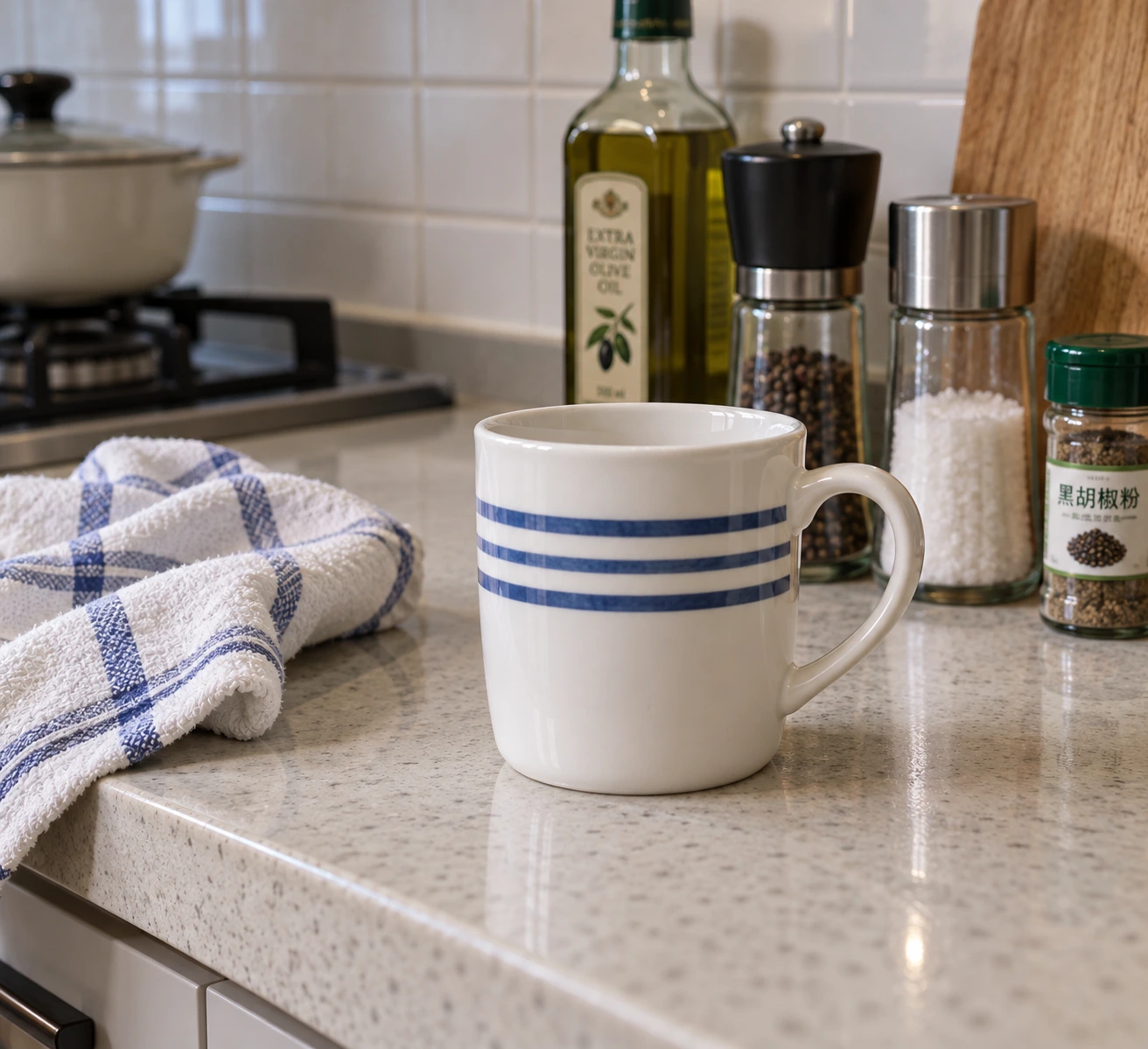
Original
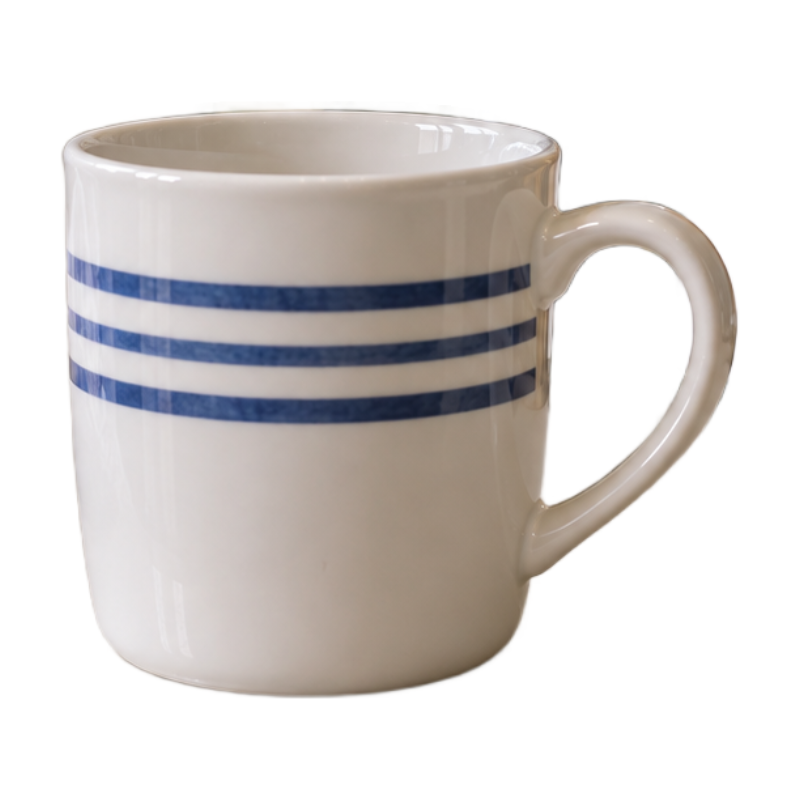
White background
Only use images you have the rights to.
Three steps to a white background
- 1Add images
Drop, choose or paste up to 10 images.
- 2Check and touch up
Erase extras, restore anything missing.
- 3Download
Get all three sizes in one ZIP. Sign in to download, no credits used.
How to shoot for a clean cutout
- One product per photo.
- Keep the background plain and different in color from the product.
- Light it evenly so the product's edges are clear.
Your image stays on your device
Background removal happens in your own browser and your image never touches our servers. The first visit downloads a model of about 42 MB, which your browser keeps for next time.
FAQ
Is it free?
Yes. Preview without signing in; sign in to download. No credits used.
Will my product change?
No. Only the background is removed; the product's pixels are kept exactly as they are.
What are 800×800 and 2000×2000 for?
800×800 is a common main-image size on Chinese marketplaces; 2000×2000 suits Amazon and other platforms with zoom.
Why does the first run take a while?
The first run downloads an AI model of about 42 MB. Your browser keeps it, so next time is fast.
Is the background pure white?
In PNG, every background pixel is RGB 255. JPG may have near-white pixels right next to the product, so use PNG if the platform checks.
What if there are several objects?
Use “Keep by click” and click the product; erase anything left over.
Can I make a design transparent?
Yes. Choose “Design or logo on white”. The white touching the edges turns transparent; white inside the design stays.
Is my image uploaded?
No. It all runs in your browser.