What upscales well
Works well
- Print designs and stickers
- Illustrations and anime art
- Logos and line art
- 1K AI-generated images
Smaller difference
- Smooth product photos and portraits. They get bigger, but no new detail appears.
Turn small images into large ones you can print or use as product photos. Print designs, illustrations and line art come out with clean edges. Product photos work too, with a smaller difference. Everything runs in your browser, so your image is never uploaded.
Only use images you have the rights to.
Drop images here, or click to choose
or copy an image and paste it here
PNG · JPG · WebP → PNG
Up to 10 images, 20 MB each
Preview without signing in. Sign in to download for free.
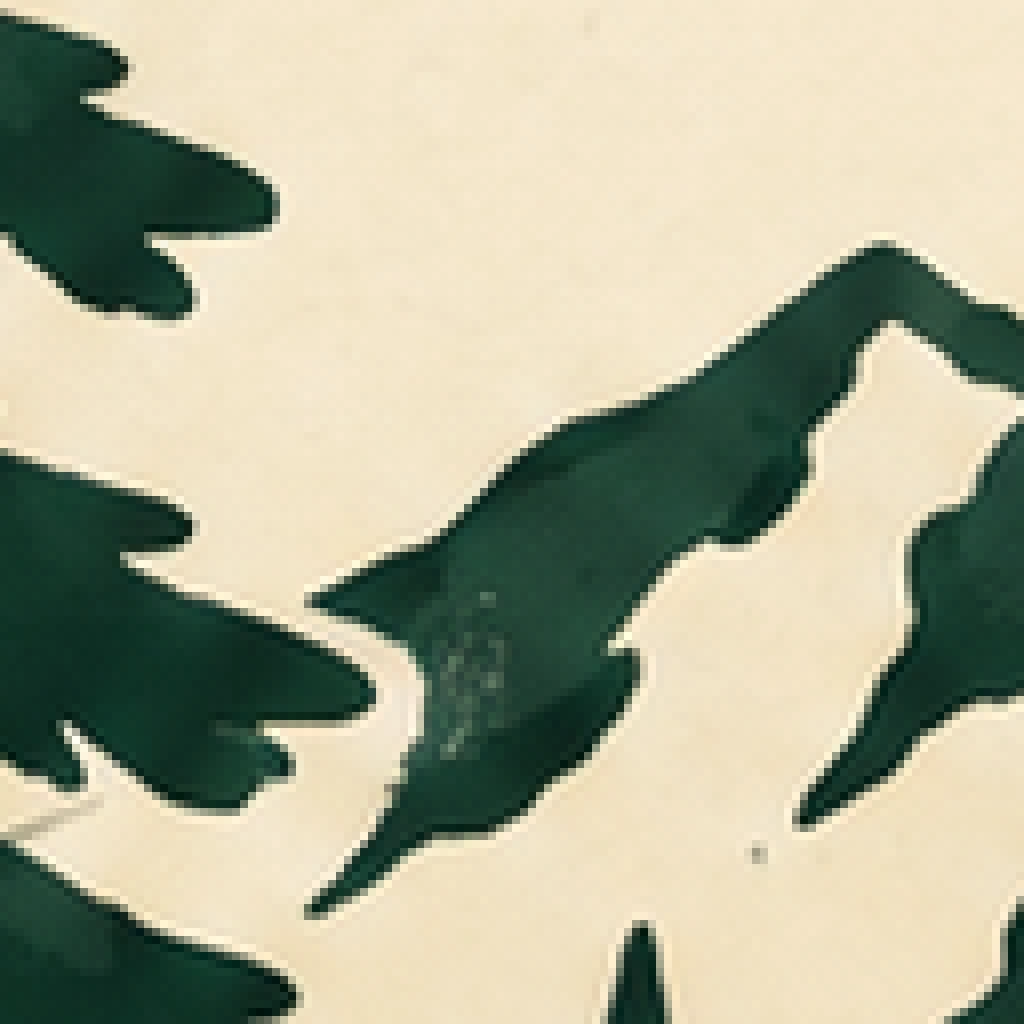
Original, zoomed in
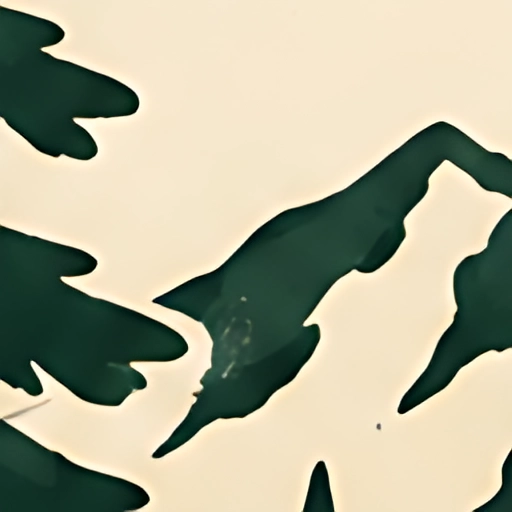
AI 4×
Original, zoomed in
AI 4×
Drop, choose or paste up to 10 images.
The output size is shown before you start.
Sign in to download. No credits used.
At 300 DPI, a 1024 px image upscaled 4× is 4096 px, about 34.7 cm (13.7 in) square, enough for A3. For product listings, 1000–2000 px on the long side is plenty.
Upscaling happens in your own browser and your image never touches our servers. The first visit downloads a model of about 4.8 MB, which your browser keeps for next time.
Yes. Preview without signing in; sign in to download. No credits used.
No. Upscaling runs in your browser.
Choose 4× for large prints. For product listings, 2× is usually enough and the file is smaller.
PNG, JPG and WebP in, PNG out. Transparent PNGs stay transparent.
The first run downloads an AI model of about 4.8 MB. Your browser keeps it, so next time is fast.
Up to 6144 px on the long side. Images up to 1536 px can go 4×, up to 3072 px can go 2×.
Yes. They get bigger, but the sharpness gain is smaller than with designs or line art.
Yes. If your printer needs SVG or PDF, use Image to Vector; vectors scale to any size.